
Publish via TestFlight
Prepare your app
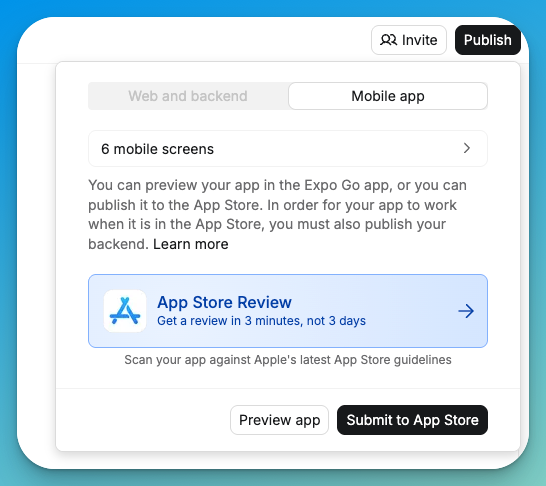
App Store review option in the publish menu
- App icon (1024x1024px)
- App description
- Screenshots for iPhone and iPad displays (or generate them in Project Settings)
- Privacy policy URL (use Termly to generate one)
- A support page in your project
Submit your app
Mobile app publishing walkthrough
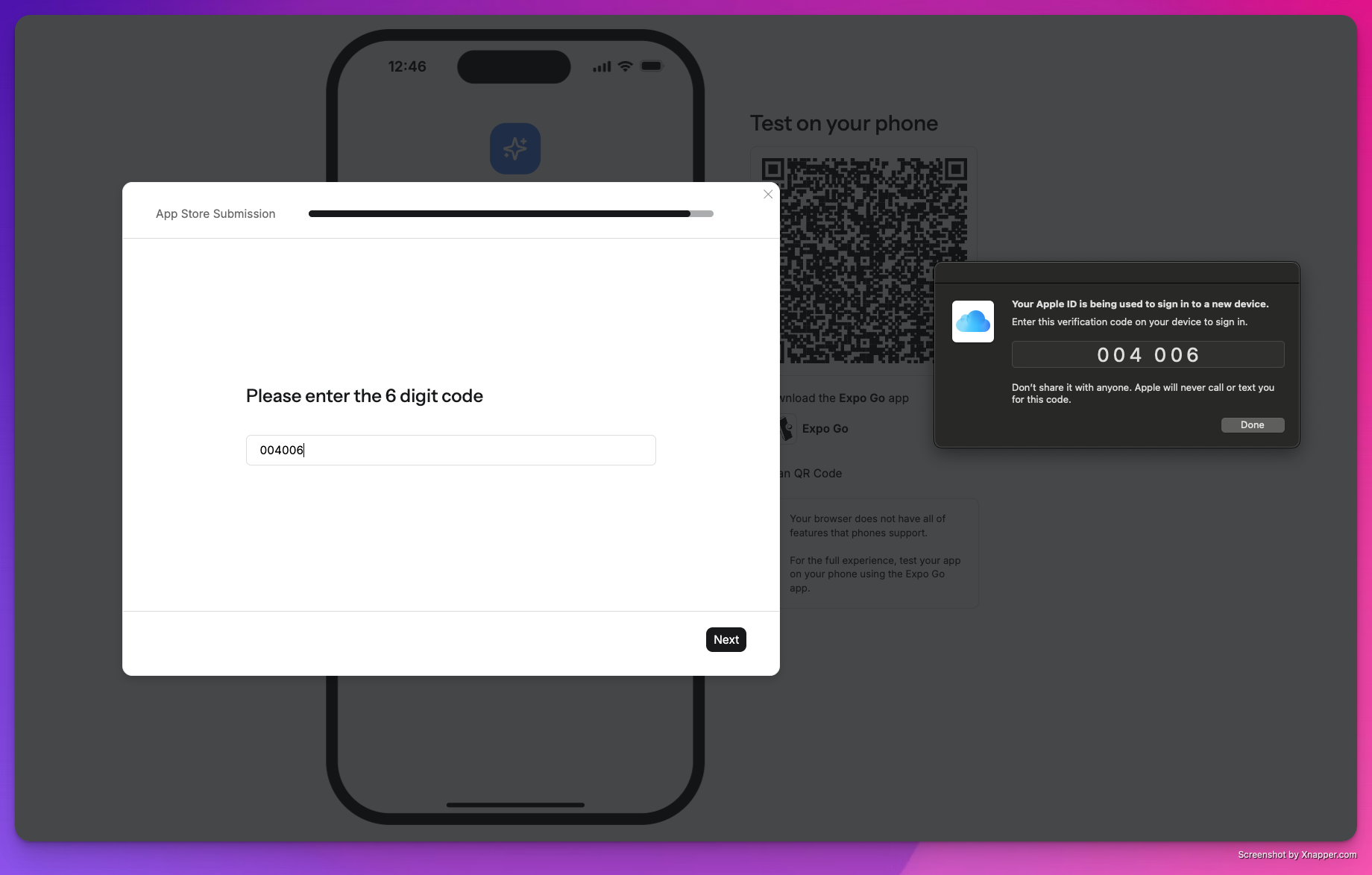
Apple authentication code prompt
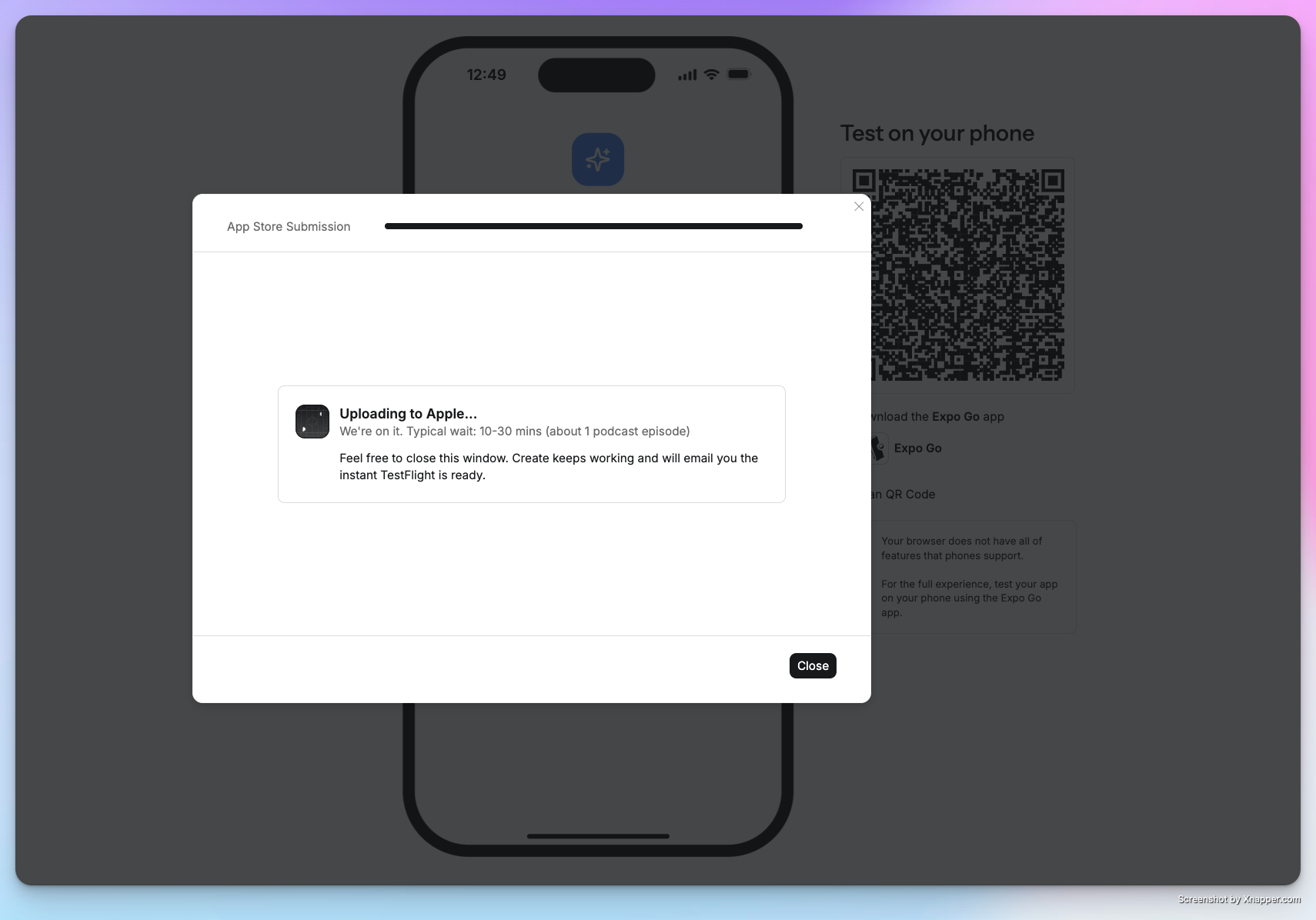
Upload in progress
Install via TestFlight
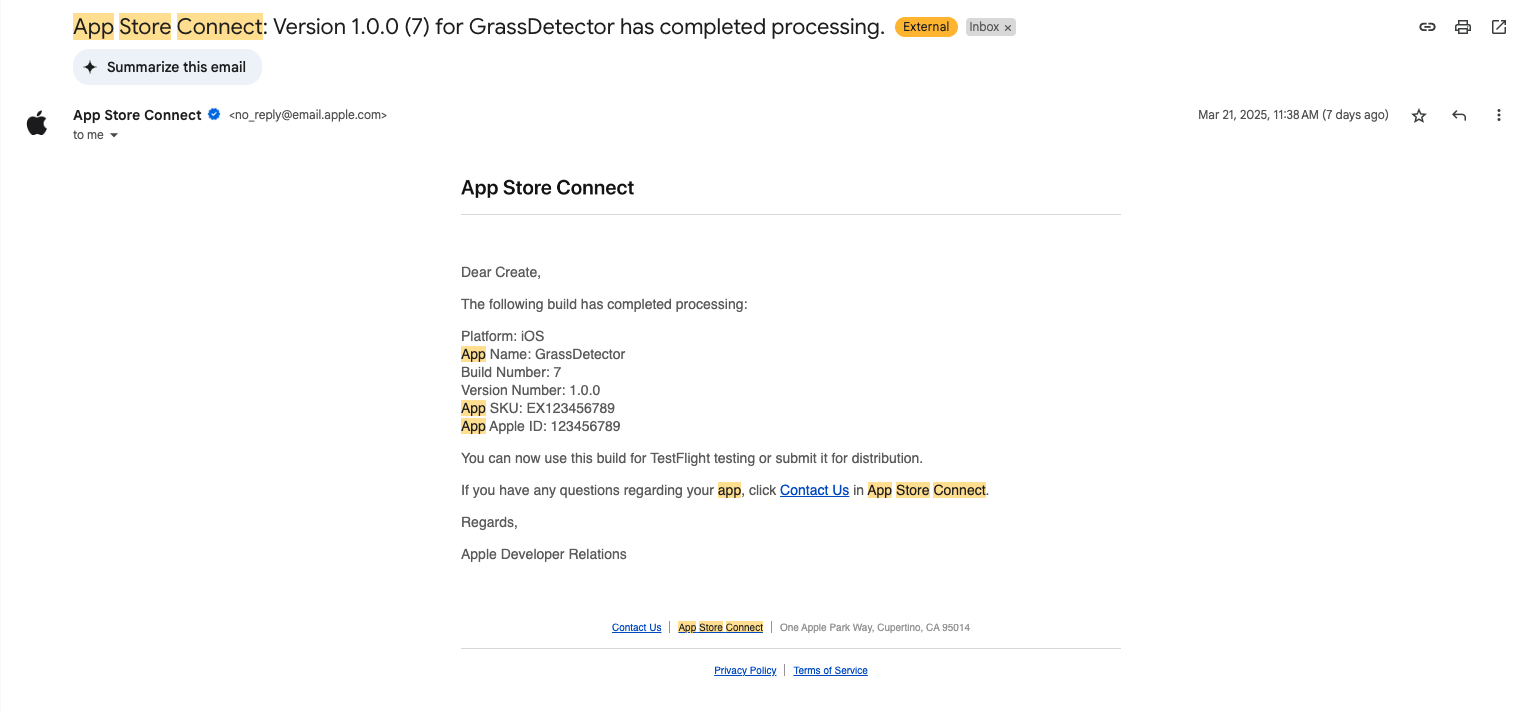
App Store Connect invitation email
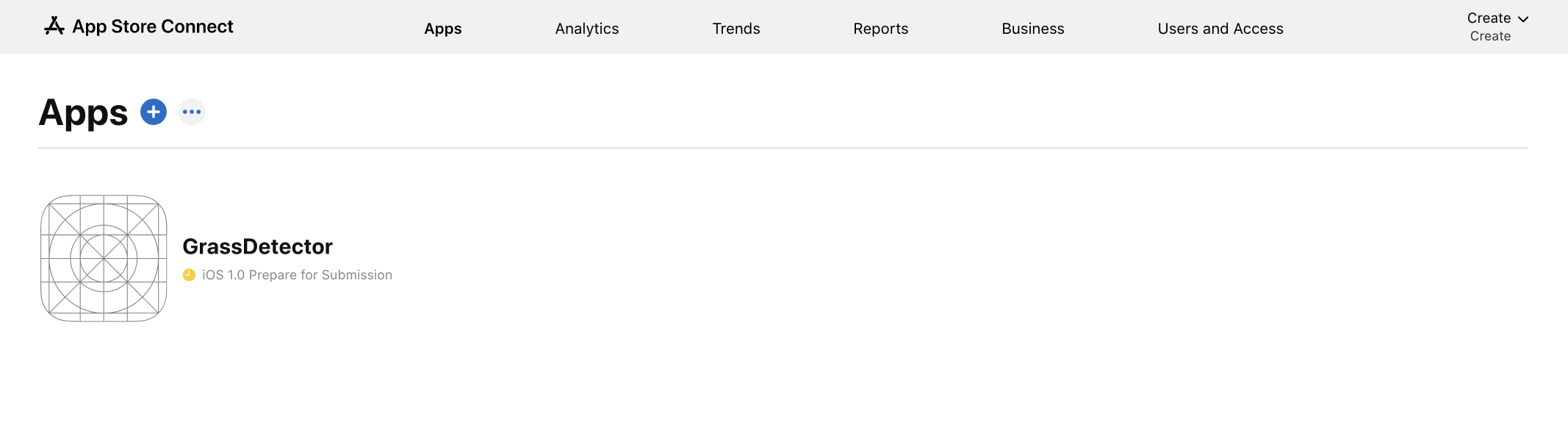
Viewing your app in App Store Connect
Test your app
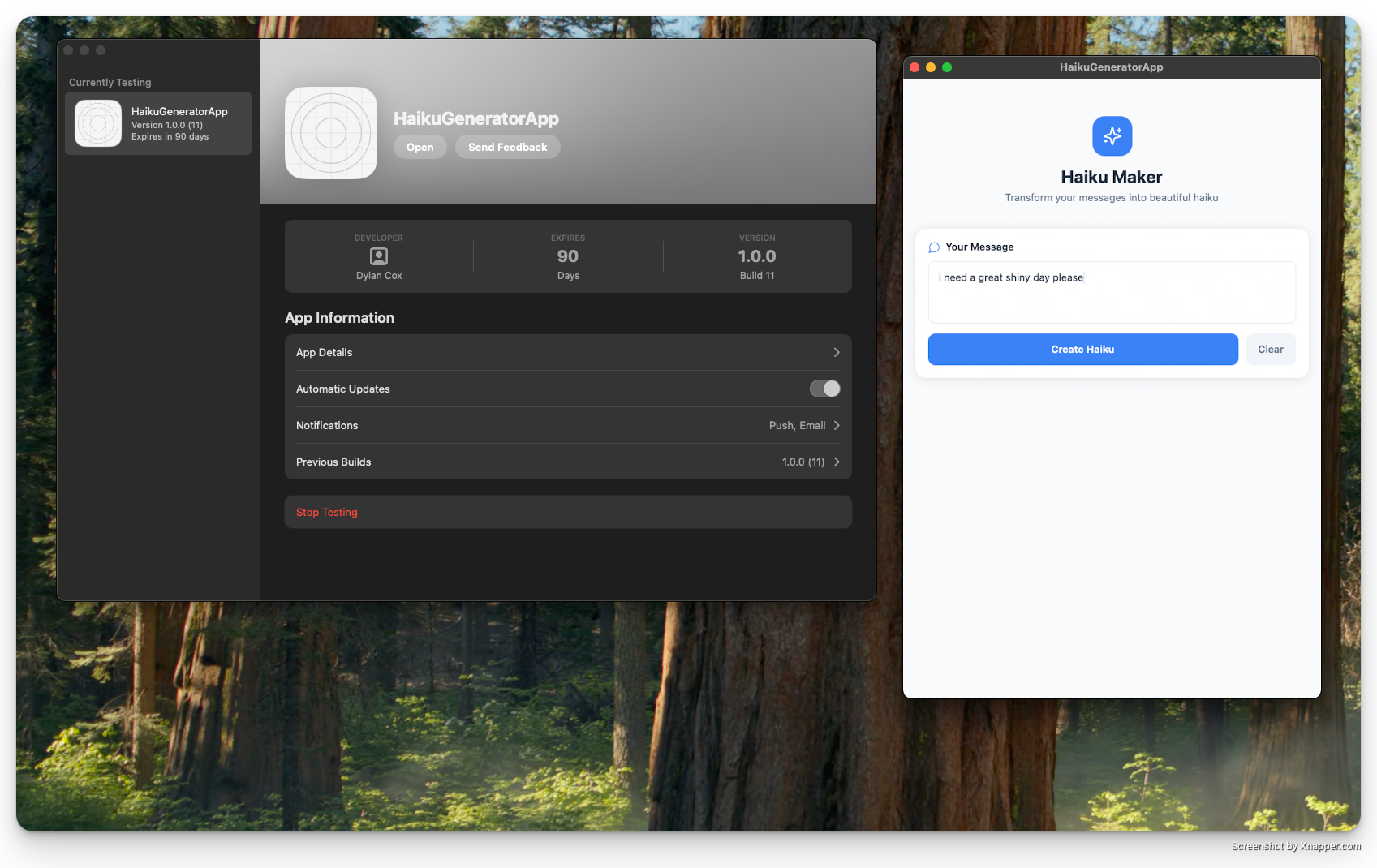
Testing your app in TestFlight
TestFlight testing walkthrough
Complete Apple requirements
Apple requires several items before your app can be reviewed. Work through each section in App Store Connect.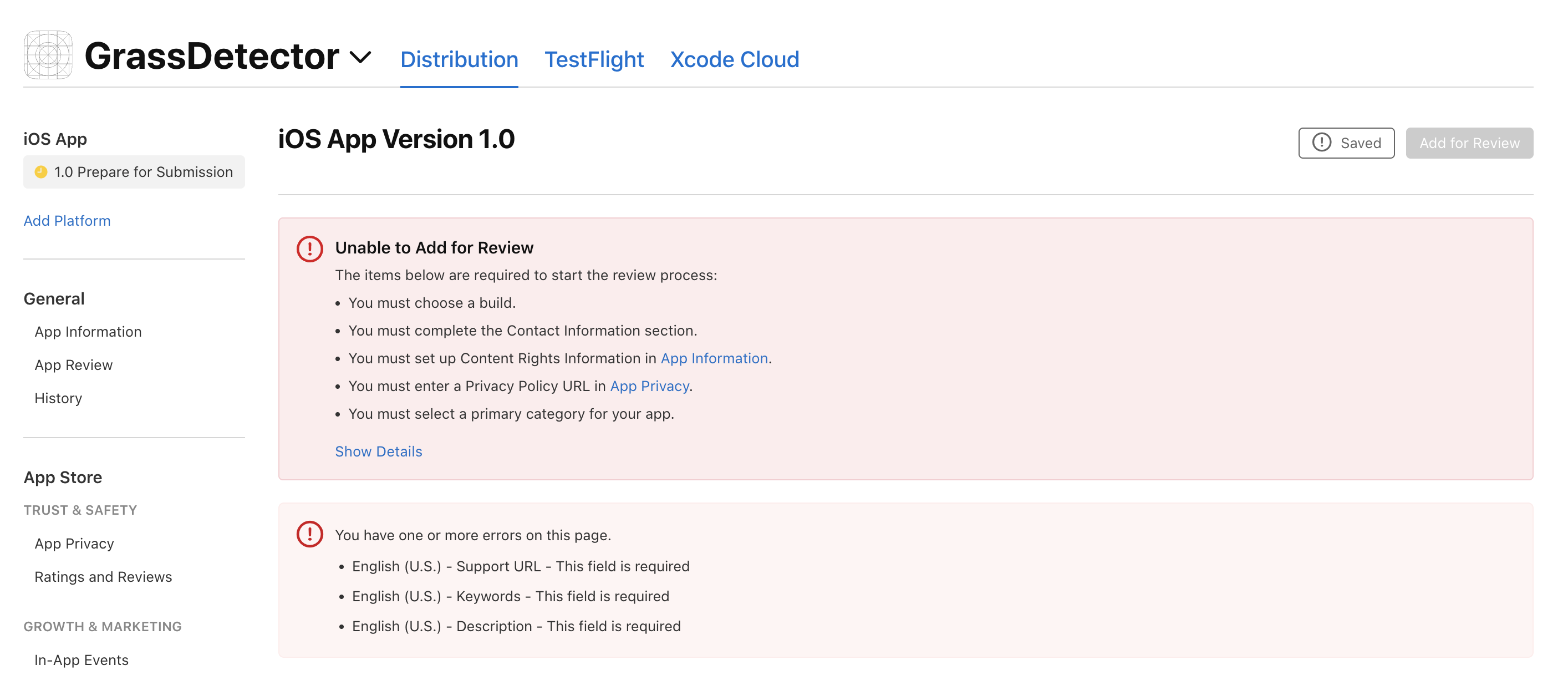
Required items checklist in App Store Connect
Upload screenshots
- iPhone screenshots (6.5” and 5.5” displays)
- iPad screenshots (12.9” and 11” displays)
- Screenshots showing key features, high quality and properly sized
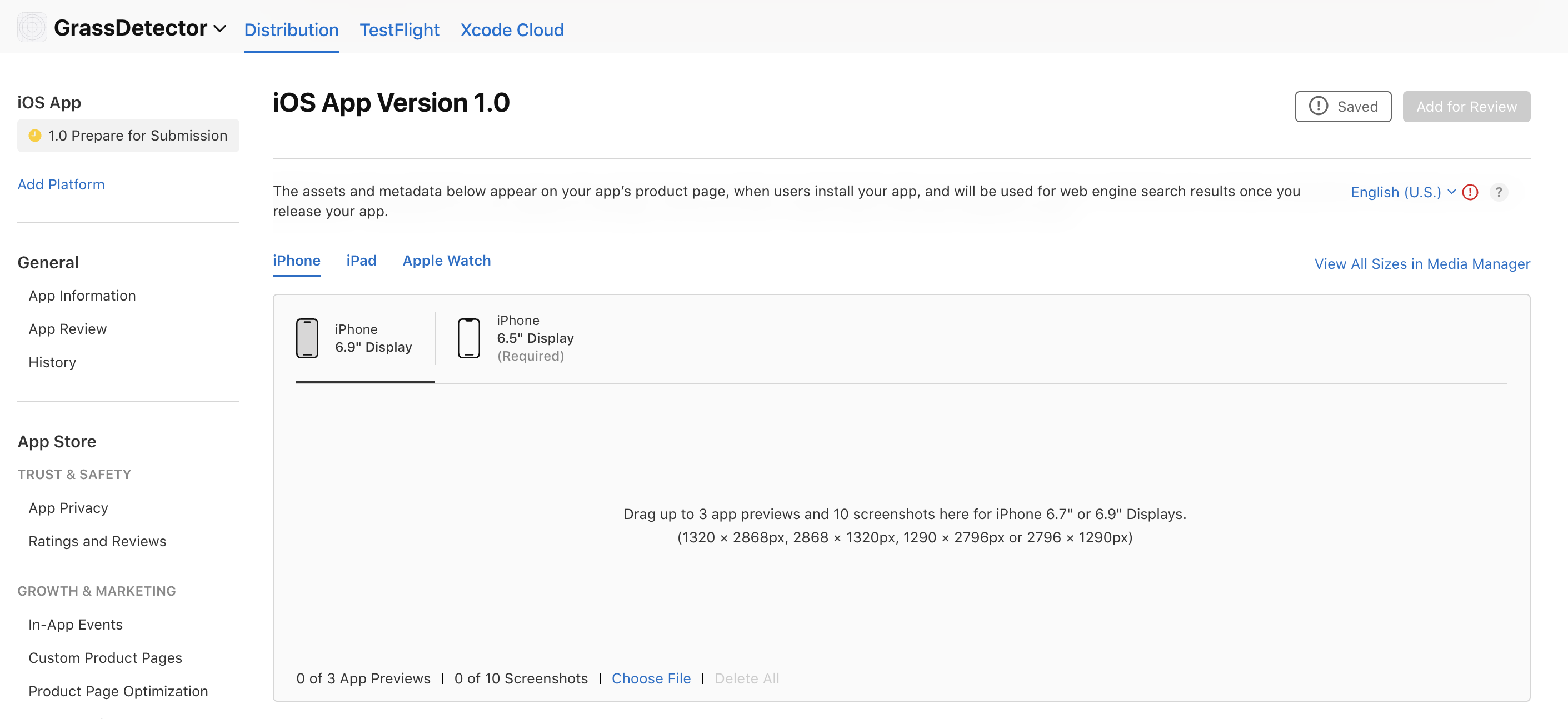
Screenshot upload section in App Store Connect
App information
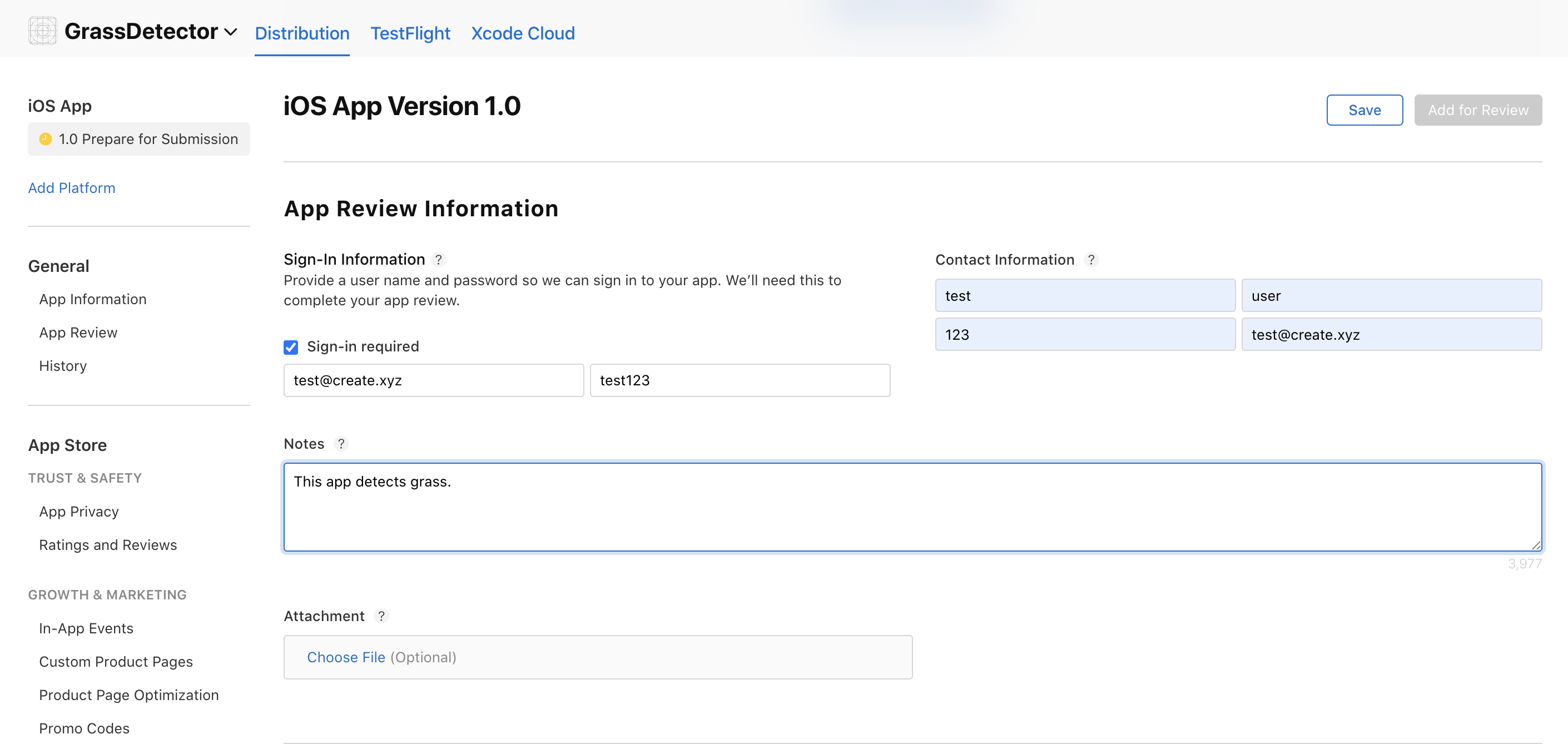
Contact information form
General information
- Add your support URL from your Anything project
- Declare copyright information
- Add relevant keywords
- Select an appropriate category
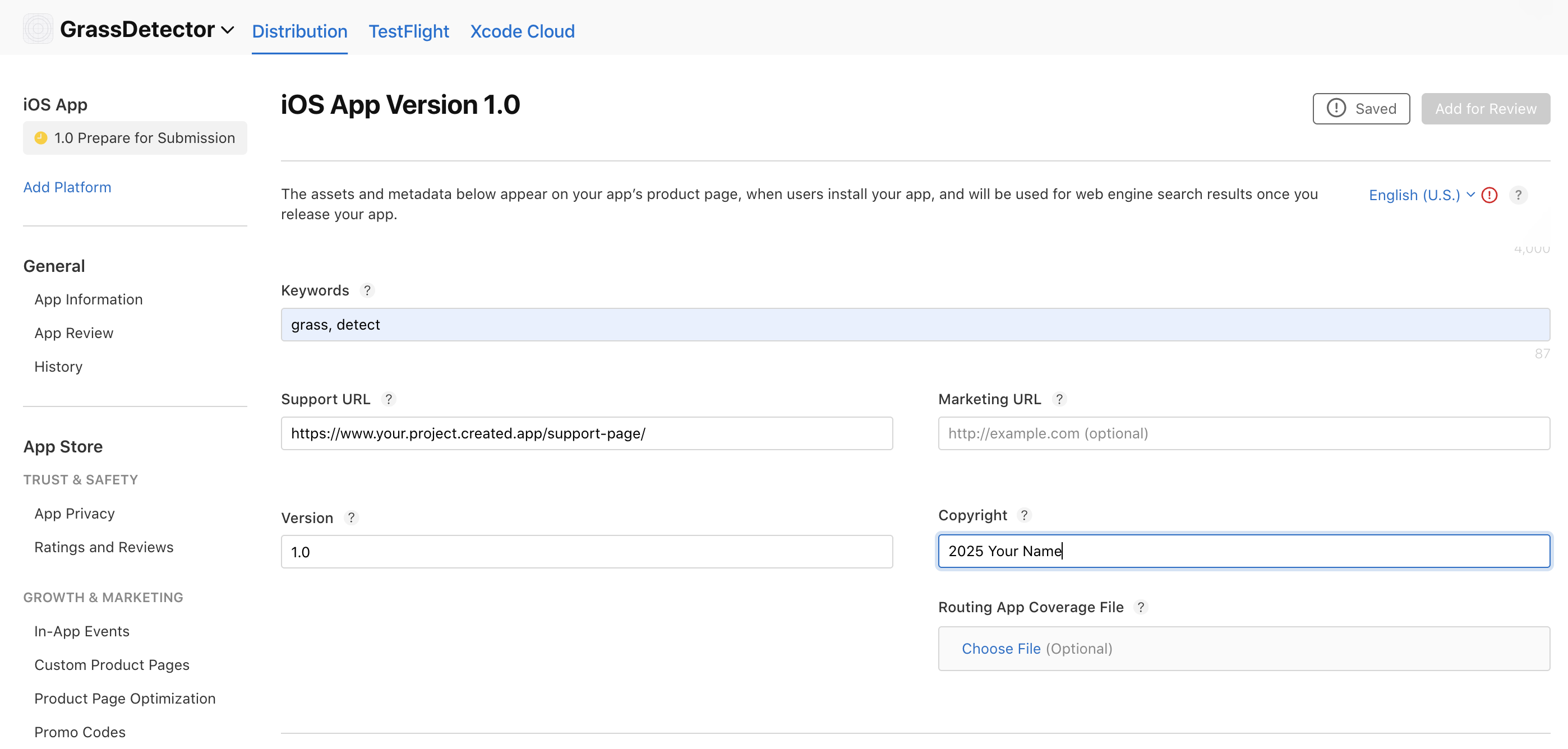
General information section
Age rating
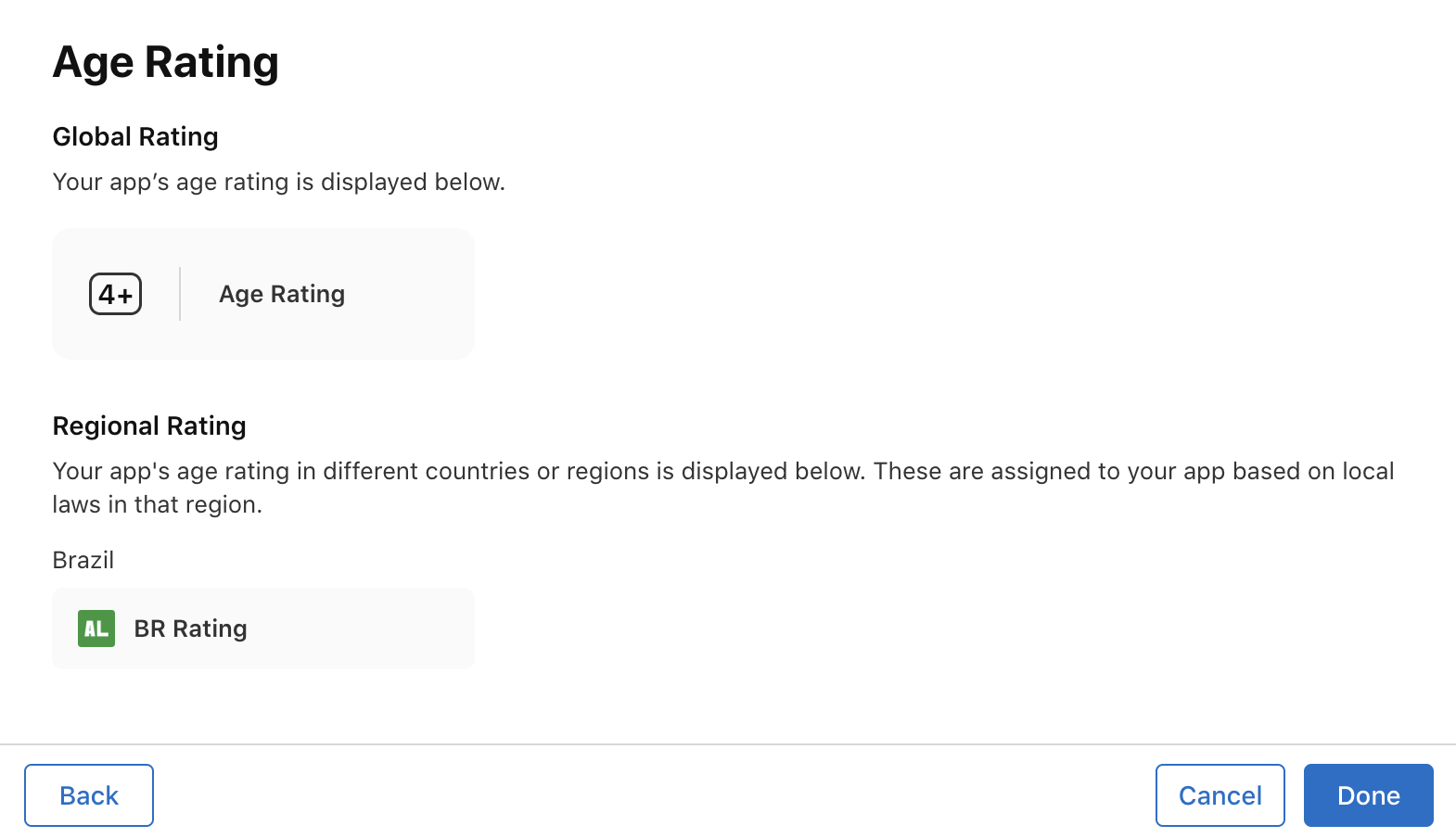
Age rating questionnaire
Choose a build
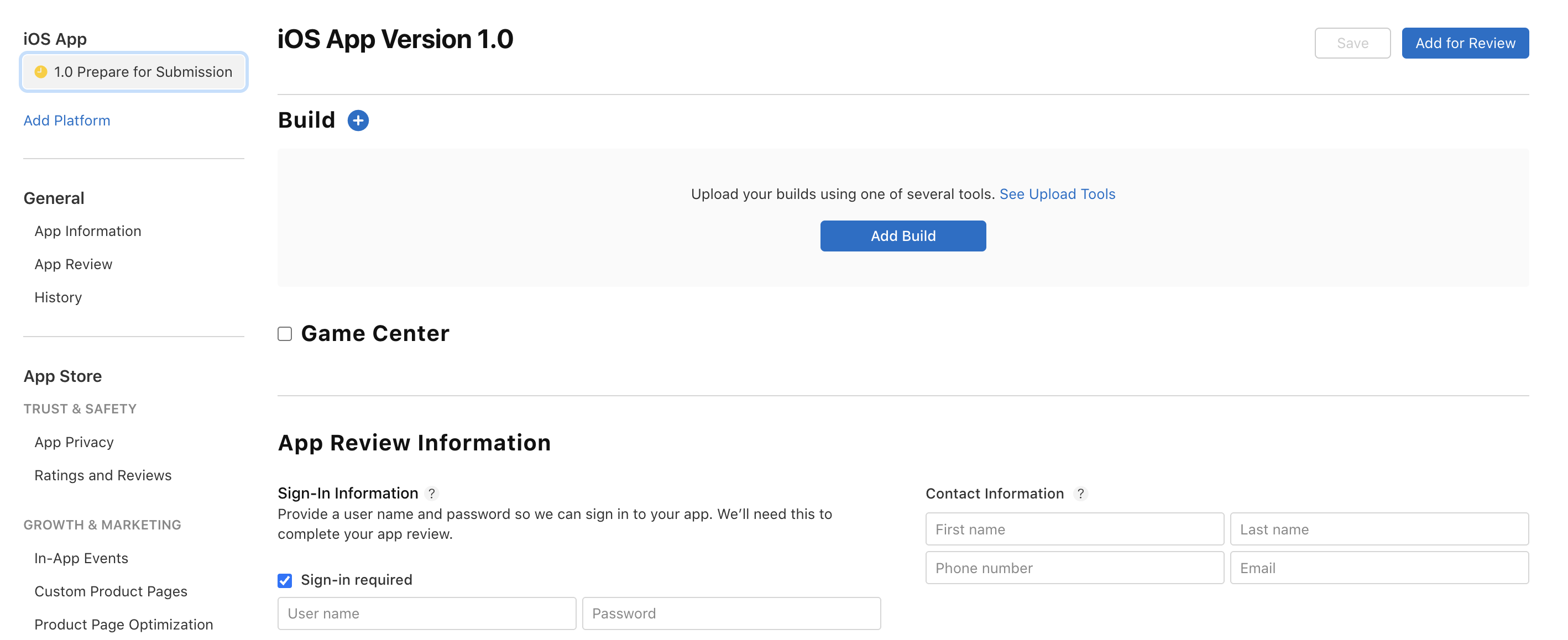
Build selection in App Store Connect
Privacy policy and data
- Create a privacy policy URL using Termly
- Complete the data collection review
- Declare any third-party data collection
- Specify data usage and storage
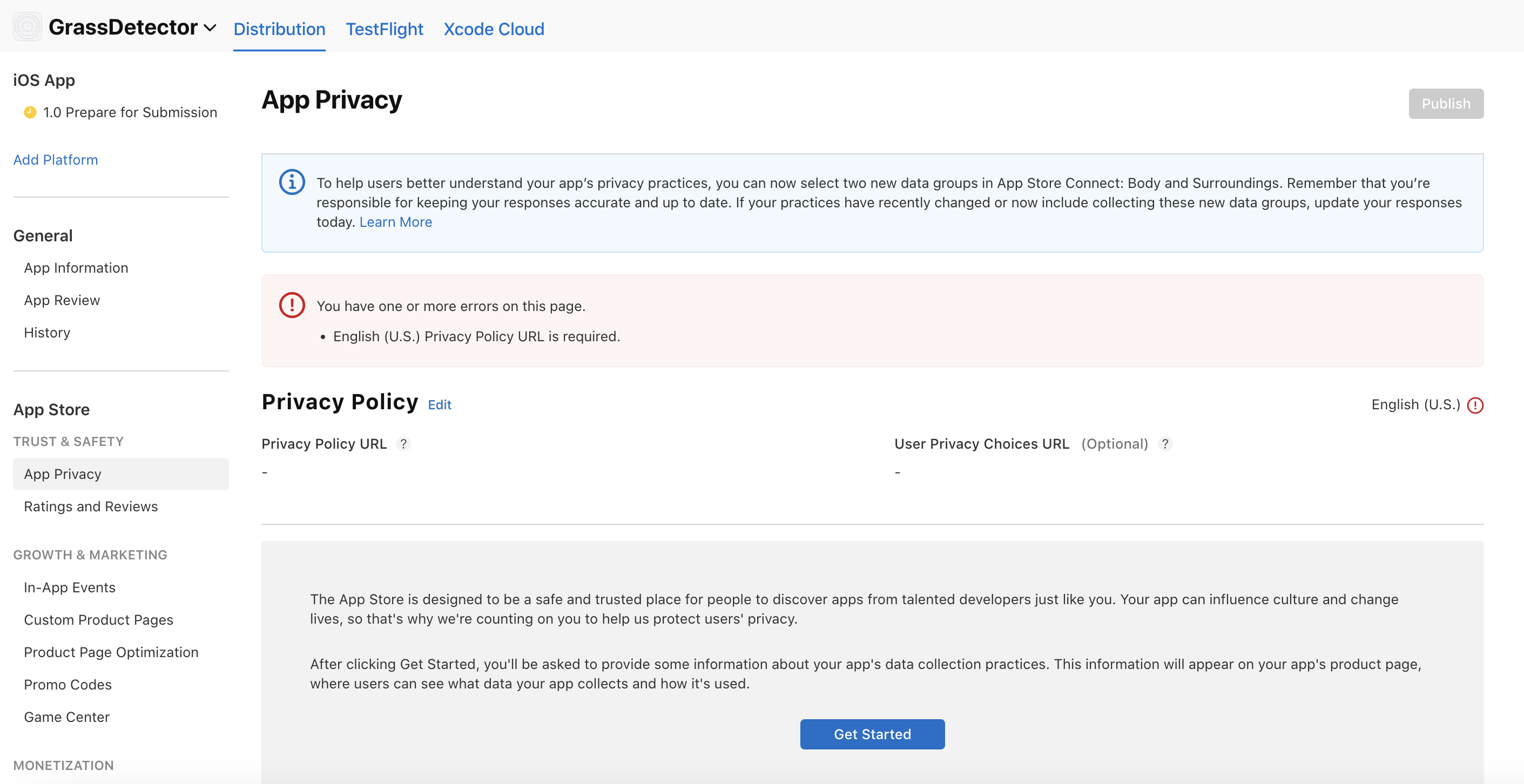
App privacy section
Pricing and distribution
- Set your app price (free or paid)
- Configure in-app purchases if applicable
- Set availability by region
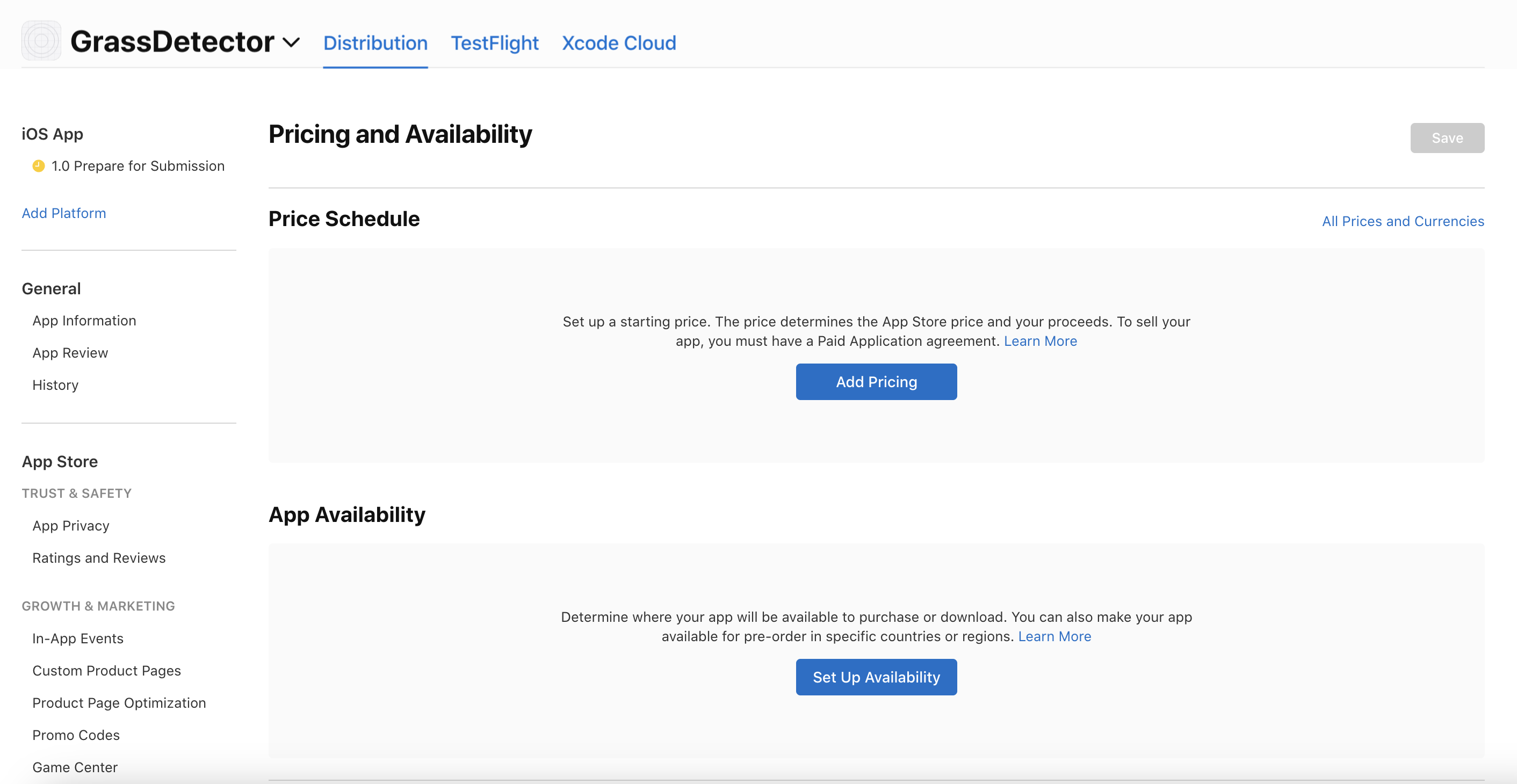
Pricing and availability settings
Submit for review
Generate screenshots
Anything includes a screenshot generator that creates App Store ready images for you.Open the screenshot wizard
Choose devices
Pick your source
Customize the layout
Choose from variations
Remix to iterate